
Stop shipping vibe coded UI.
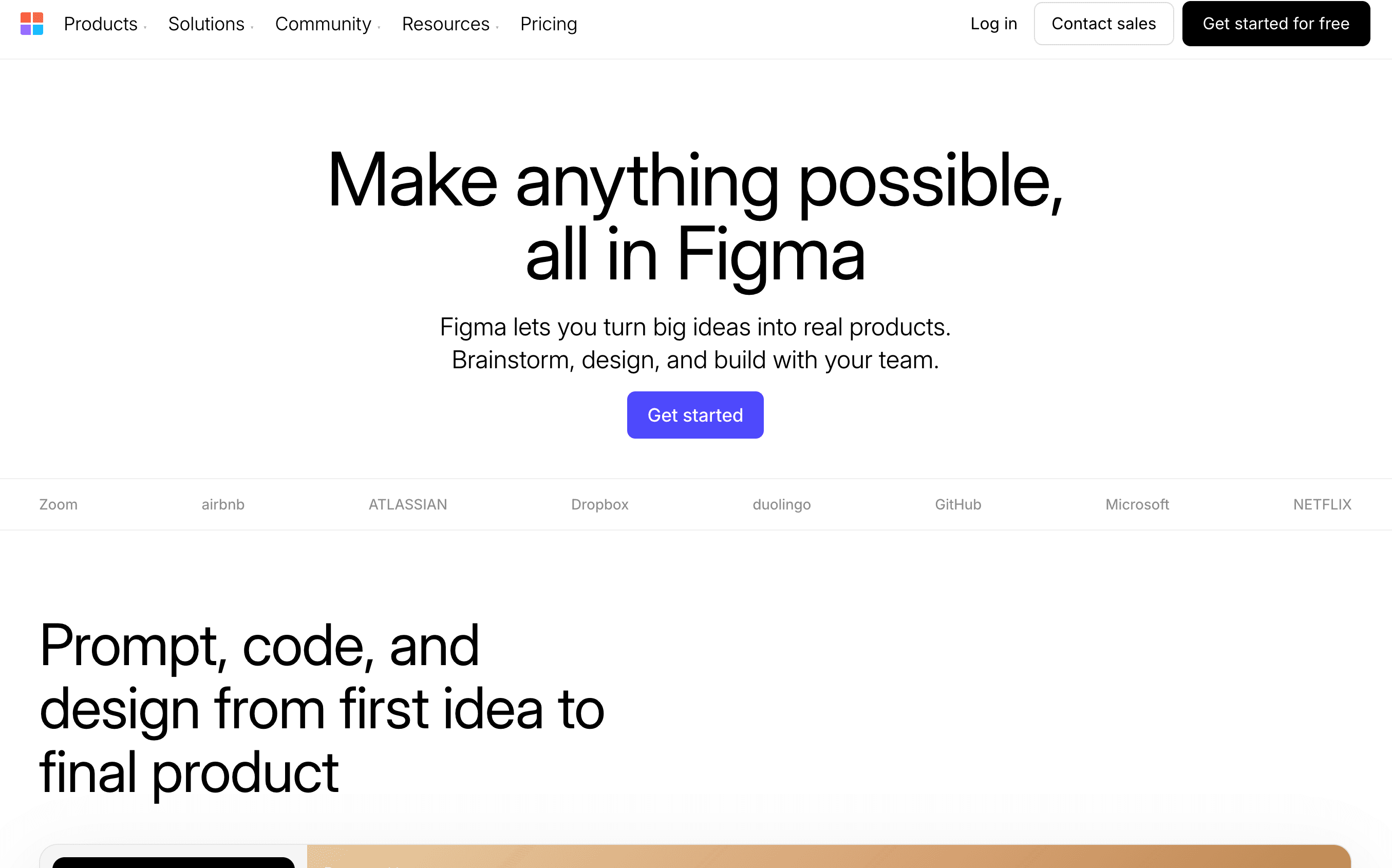
Pick from dozens of pro design systems. Paste one file. Your AI builds like a real design team.




Works with Claude Code
 Cursor
Claude CodeCursorChoose from dozens of design systems
Extracted from real websites. Ready to use.
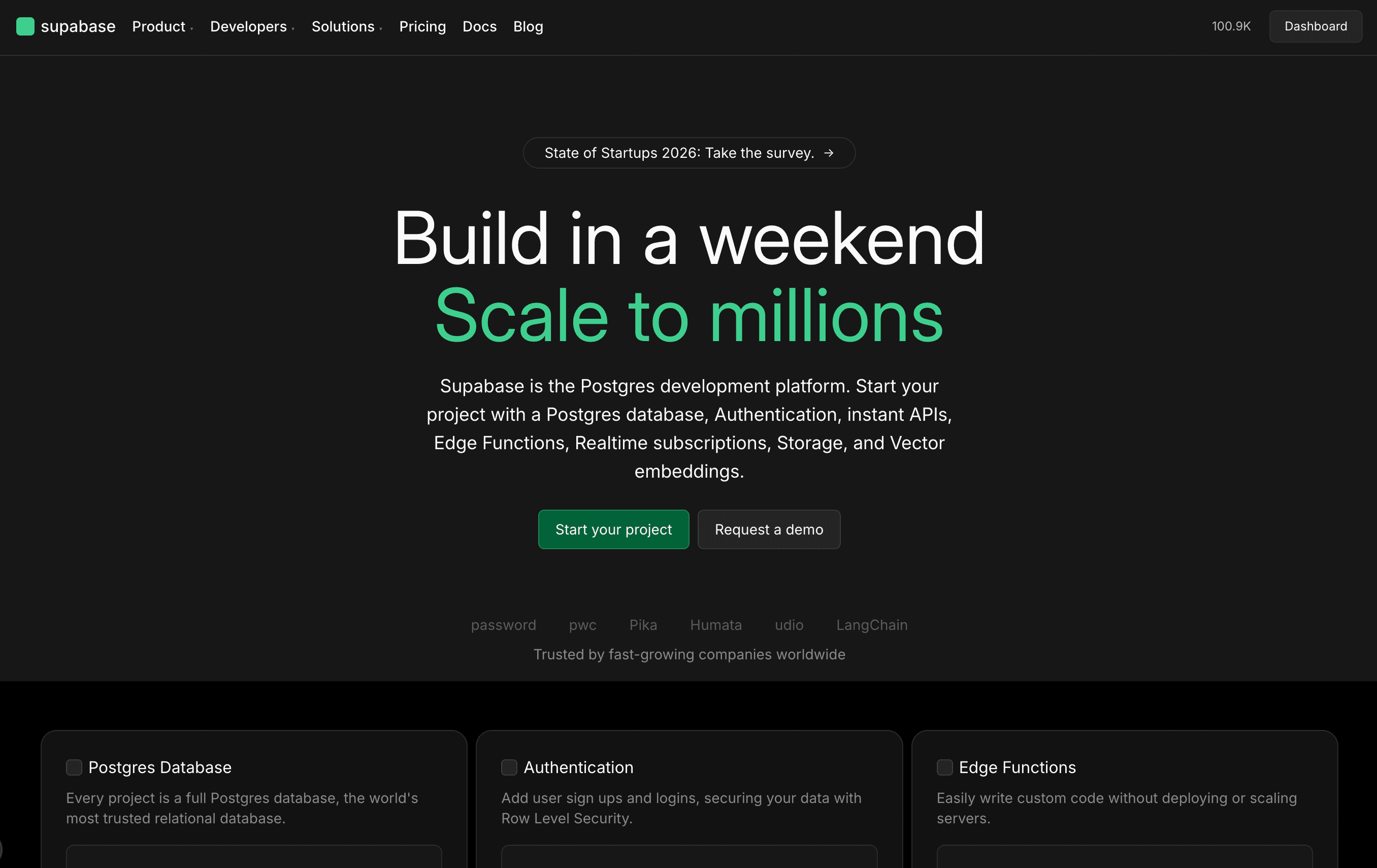
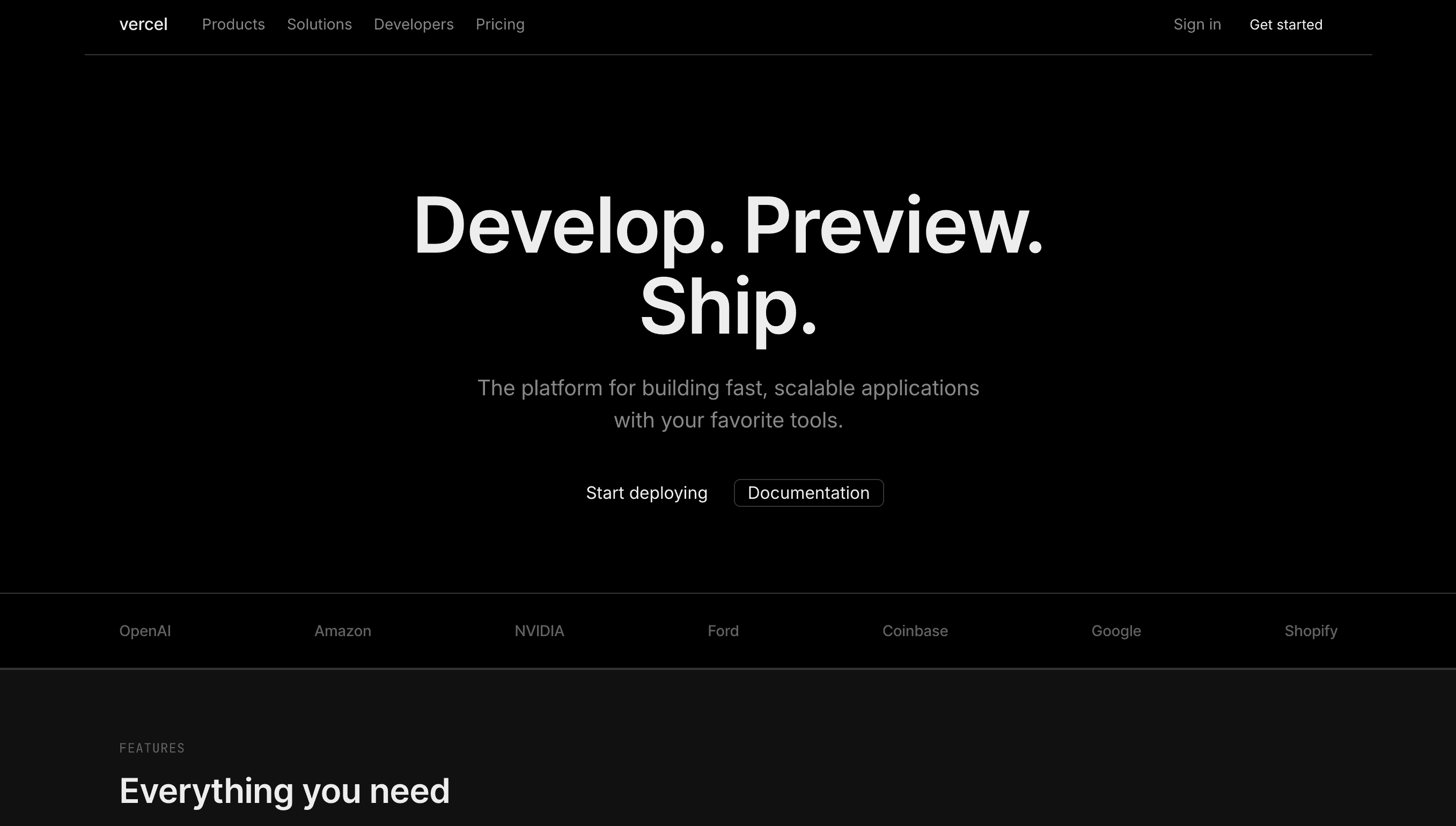
Available now


One file. Pixel Perfect UI.
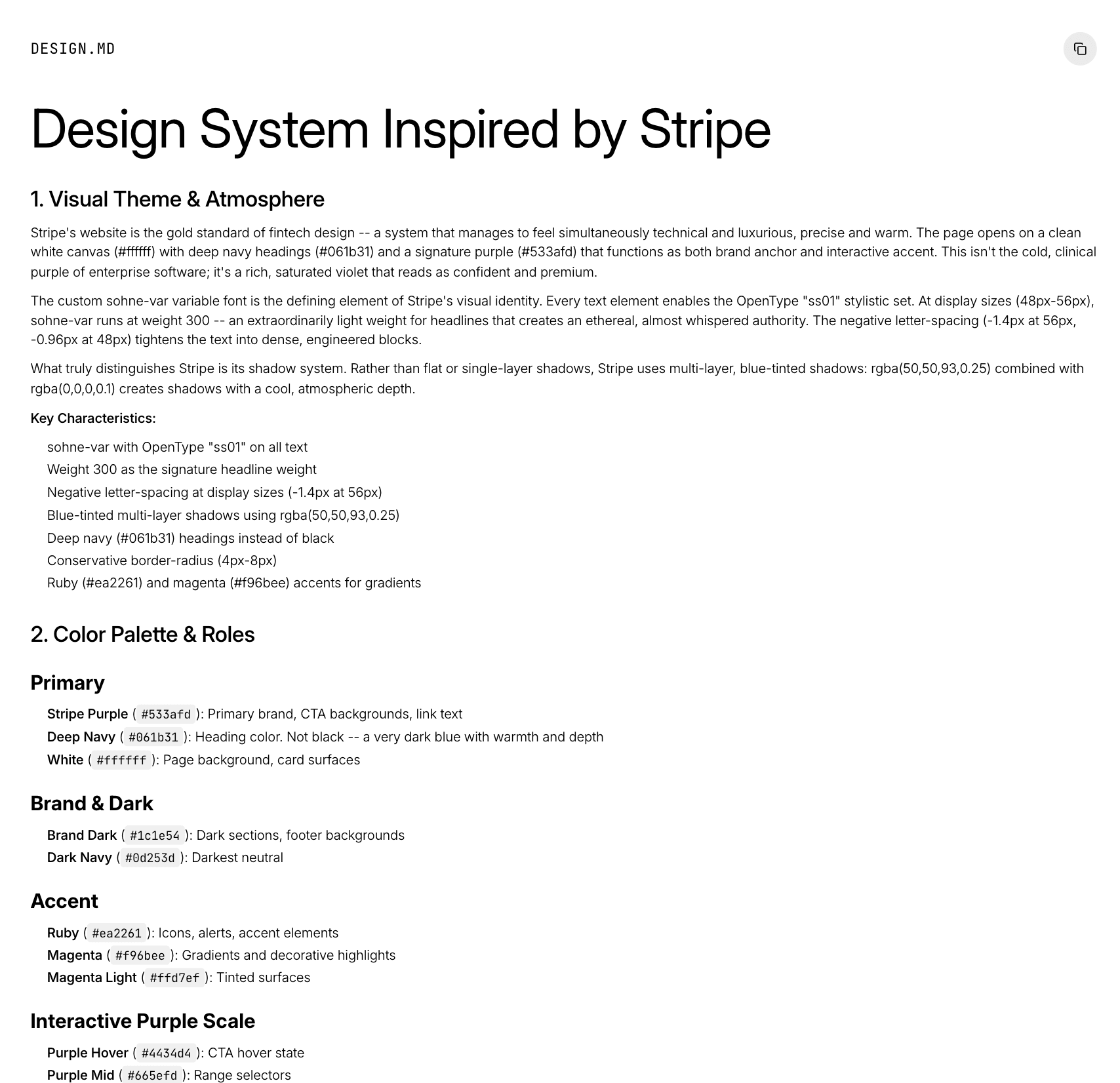
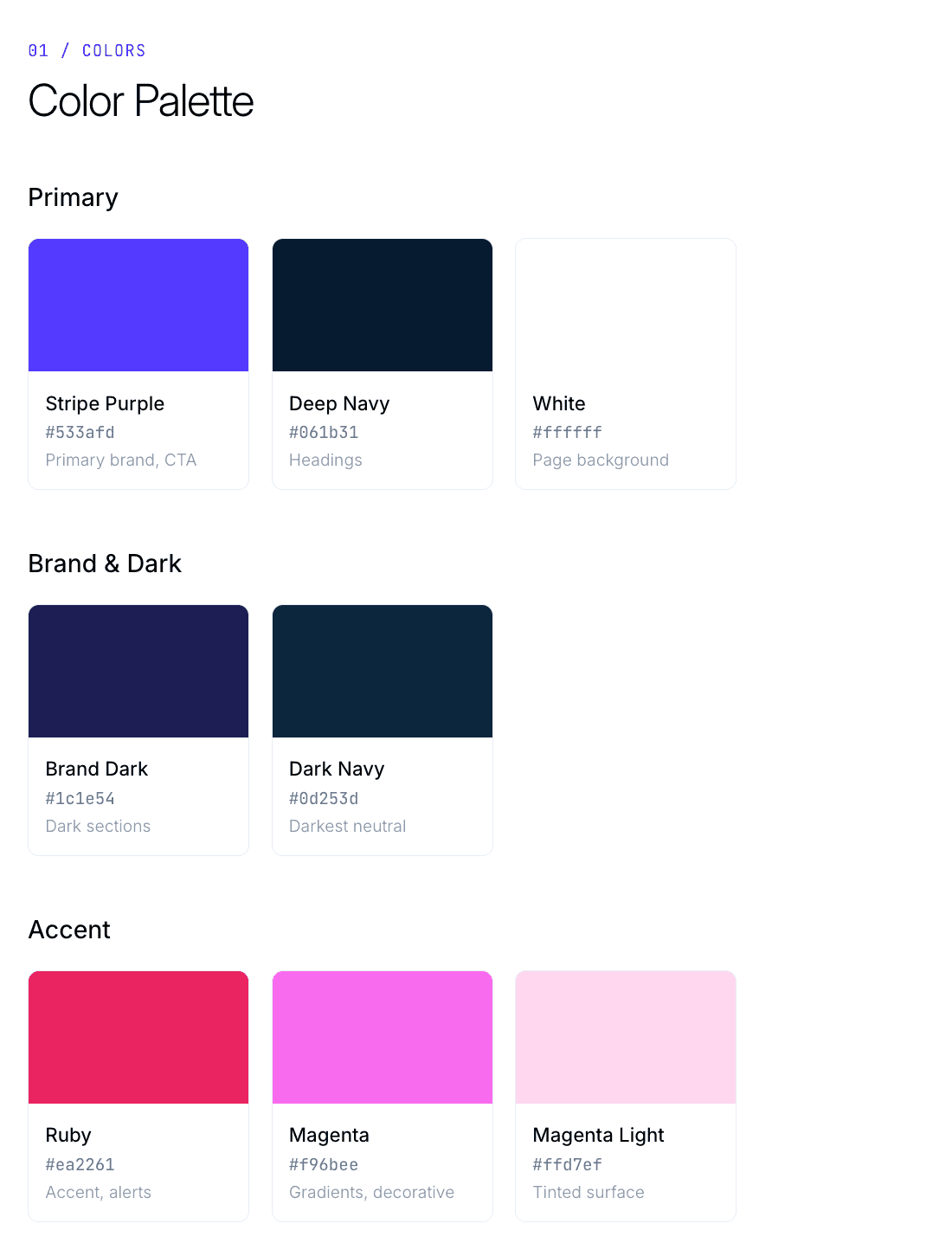
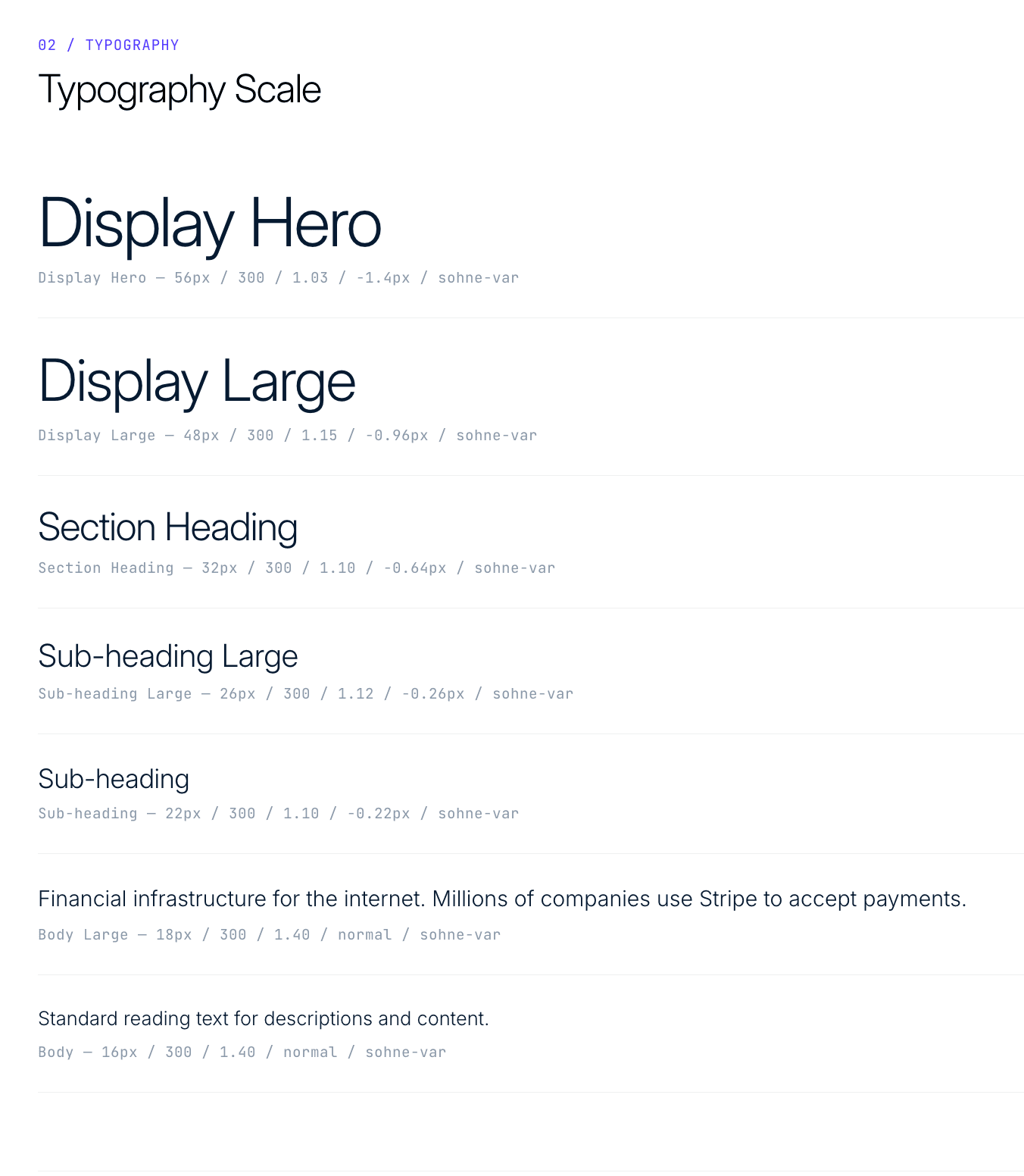
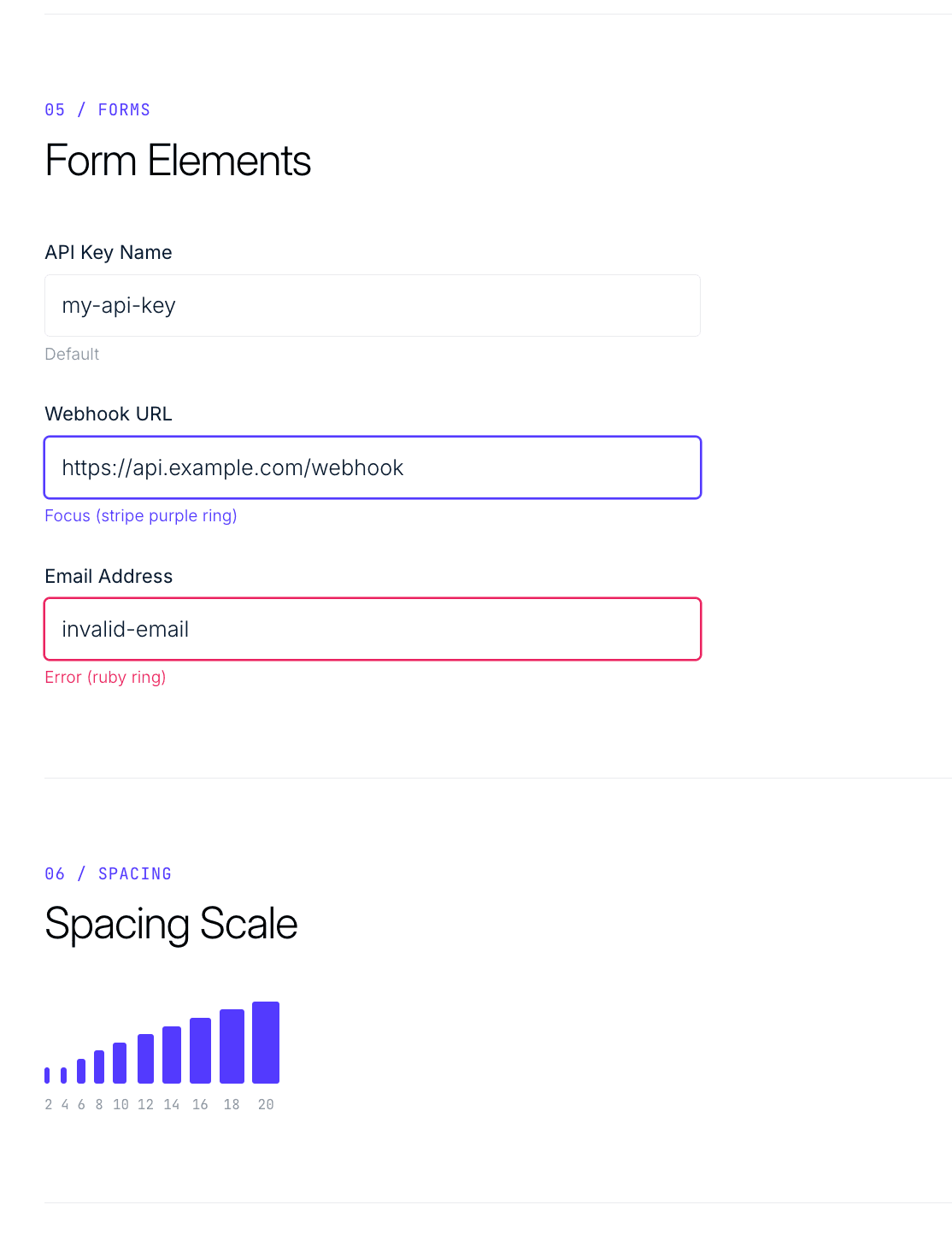
Every design.md captures the full design system. Colors, typography, spacing, shadows, components. All extracted from real production websites.
Drop it into your project root. Your AI reads it and builds pixel-perfect UI, every time.
design.md
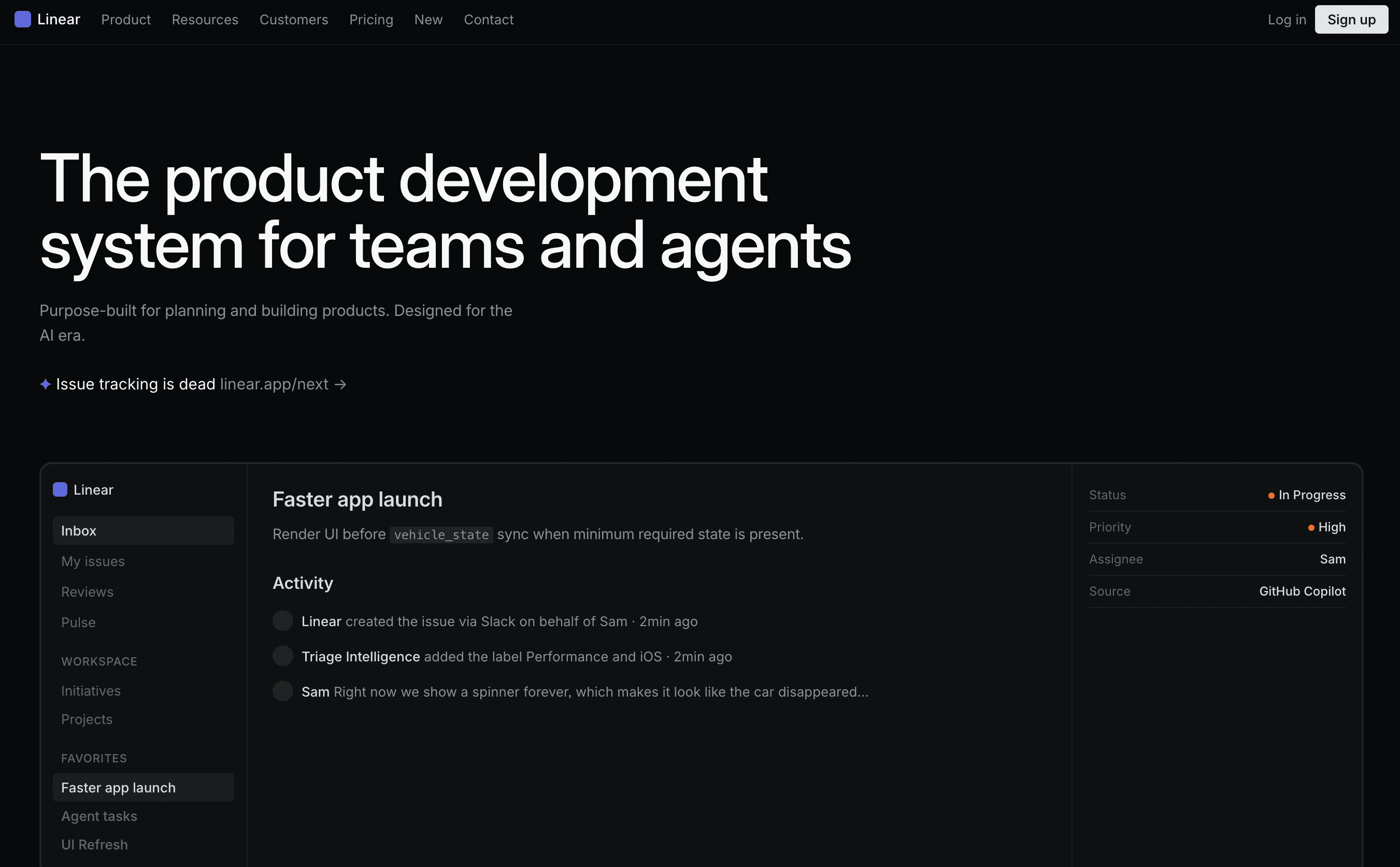
# Design System — Linear
## Color Palette
- Signal Purple: #5e6ad2
- Void Black: #08090a
- Near White: #f7f8f8
## Typography
- Font: Inter Variable, cv01 ss03
- Hero: 64px / weight 510 / -1.4px
- Body: 16px / weight 400 / -0.18px
## Components
- Buttons: 4px radius, 0.5px border
- Cards: 8px radius, rgba overlay
- Inputs: 4px radius, 1px border
## Shadows
- Subtle: 0 1px 2px rgba(0,0,0,0.5)
- Card: 0 0 0 0.5px rgba(255,255,255,0.08)
200+ design rules per file
Colors, typography, buttons, forms, spacing, shadows — everything your AI needs, extracted and organized.
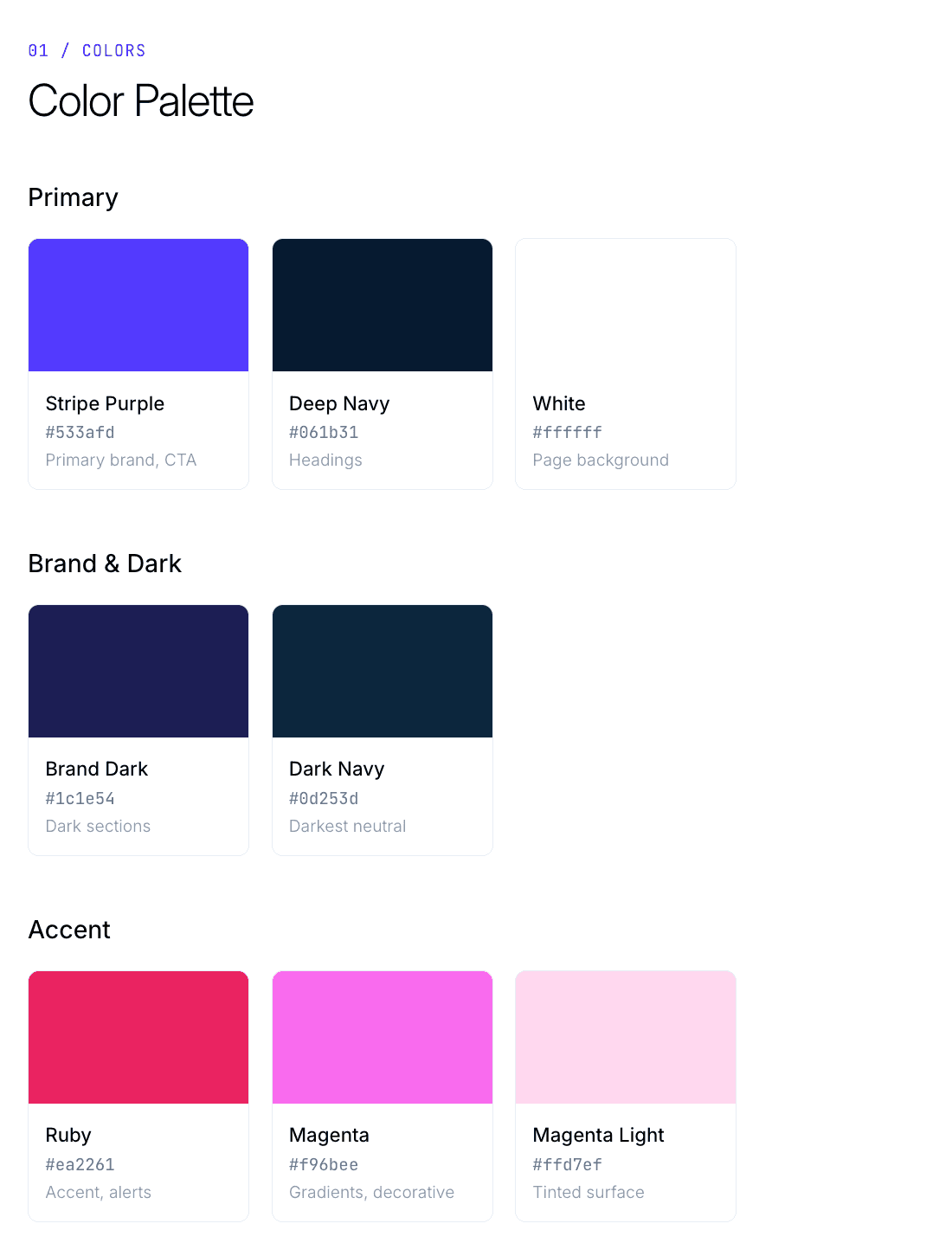
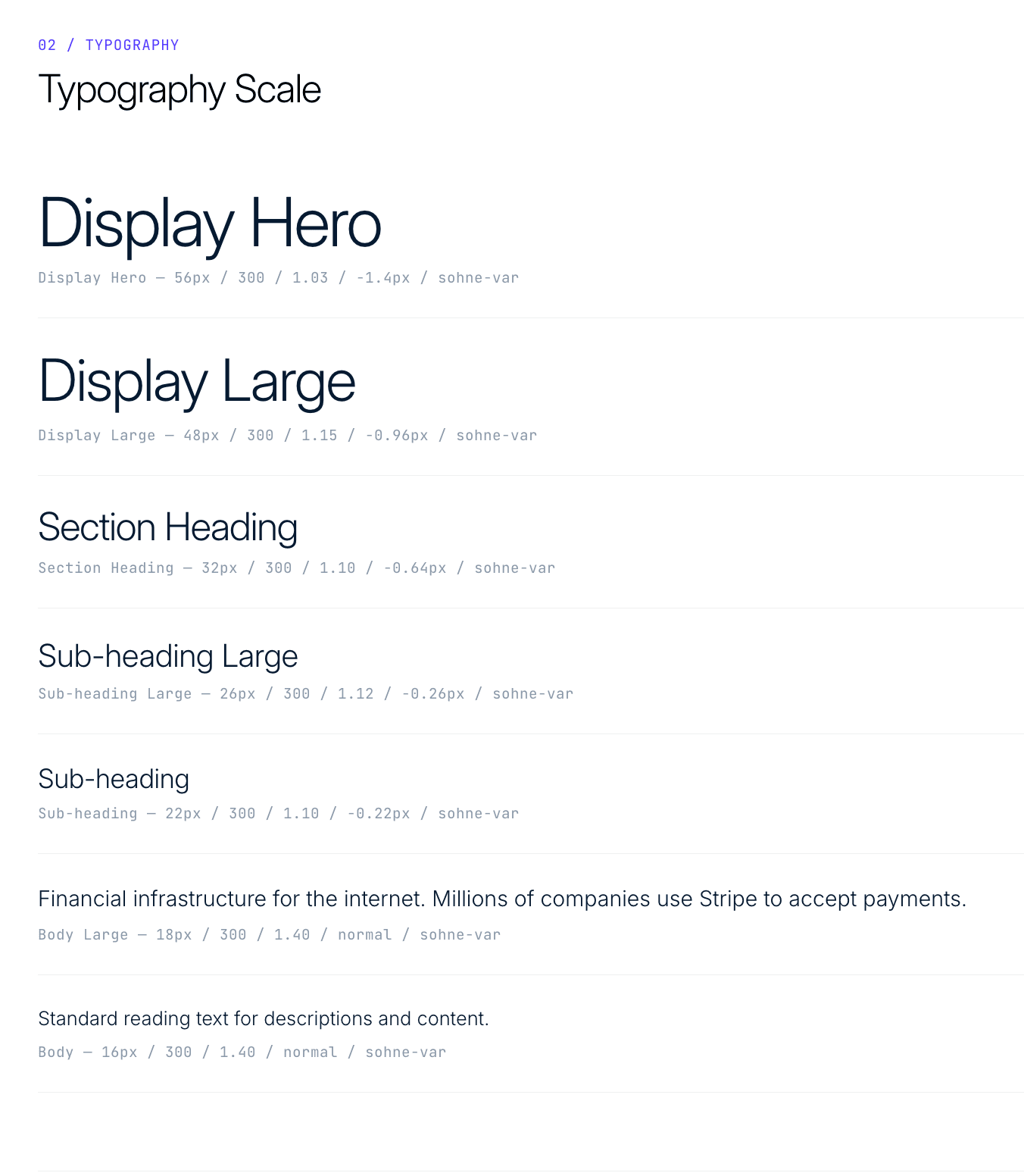
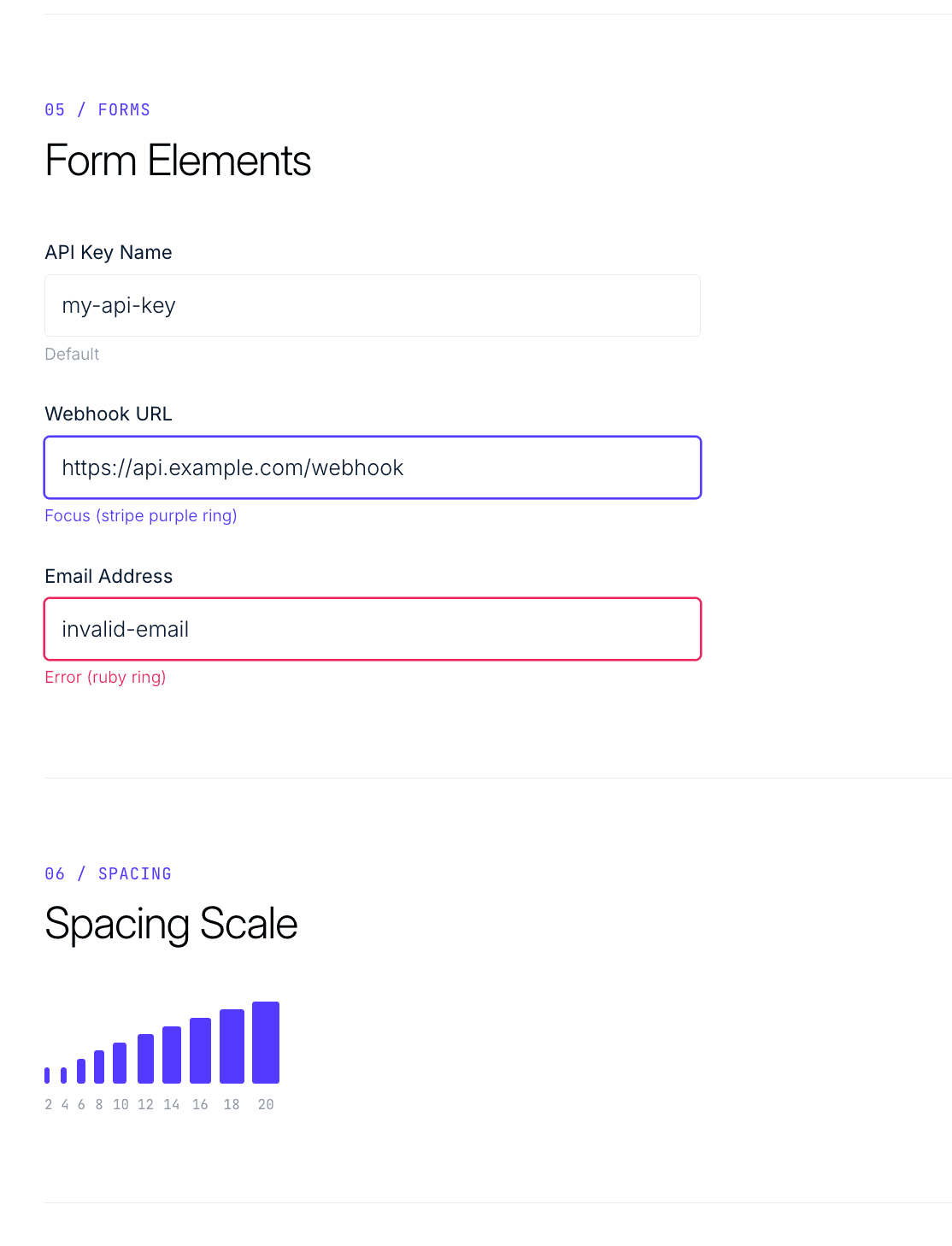
Copy, paste, build. It’s that simple.
1
Pick a design you like
Stripe, Linear, Figma, and more


2
Copy and paste design.md
One click, paste into your project root
new file
3
Prompt your AI to build
“Follow @design.md”

Your AI deserves a design file
Get notified when new design systems drop.